
Creating an Account
This article will guide you through the process of creating an account on LabXchange. This can be done using an email address.
Creating An Account With An Email Address
Go to www.labxchange.org and click Sign up.

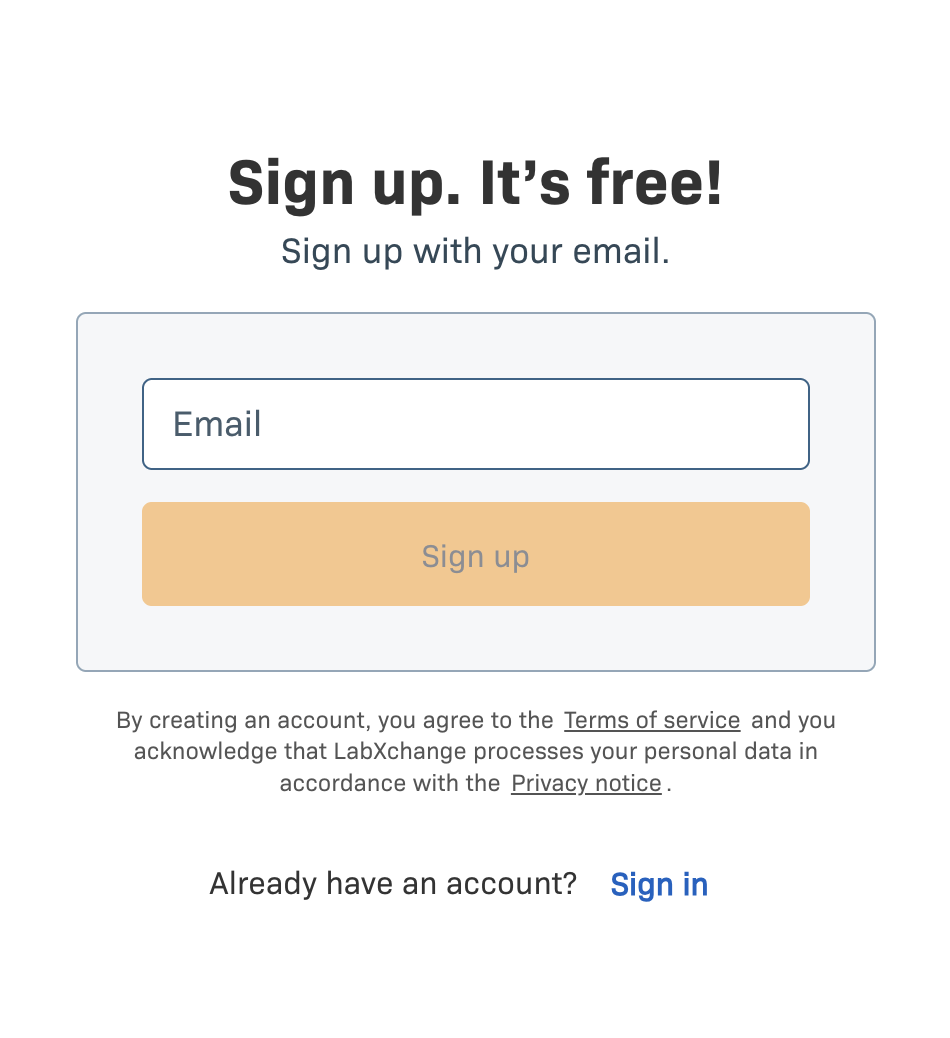
Enter your email address and click Sign up.
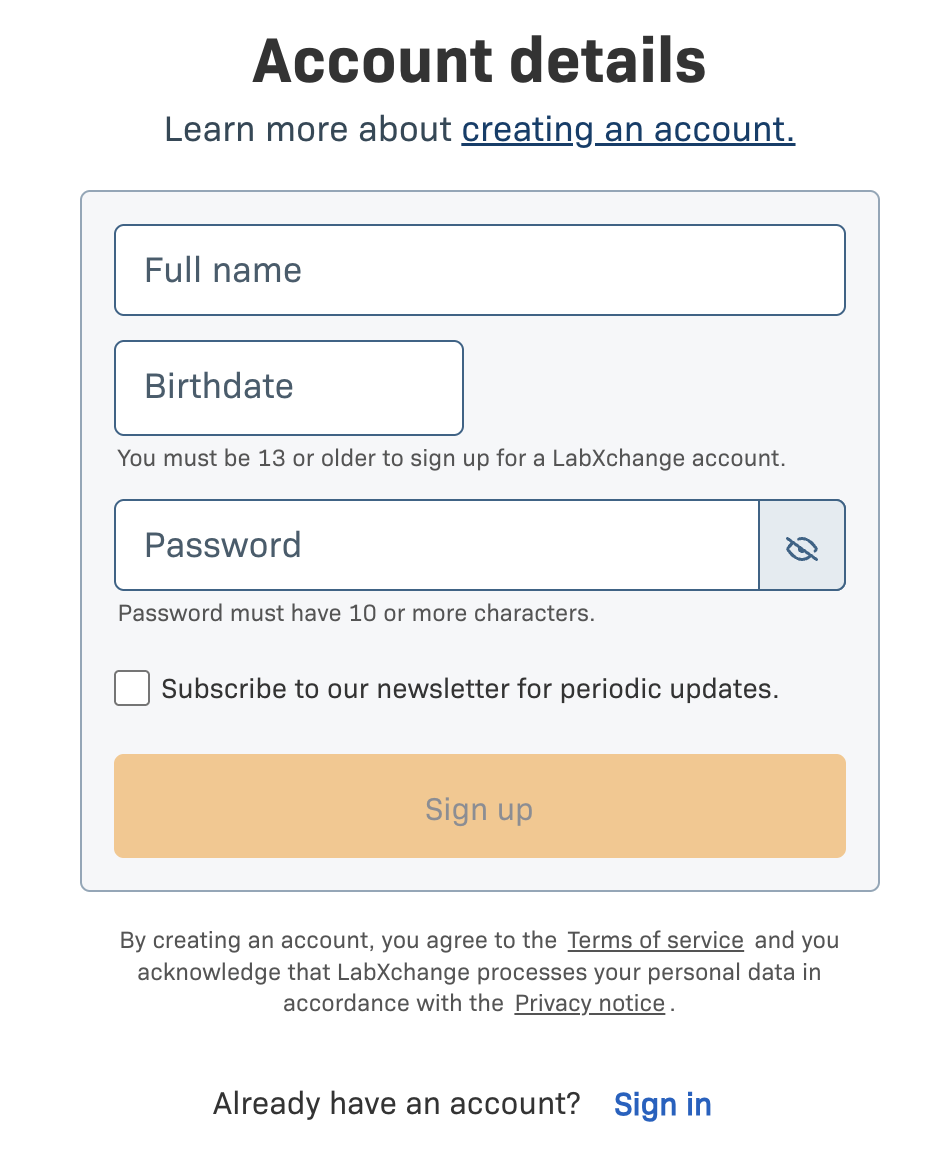
Enter your details into the form then click Sign up.
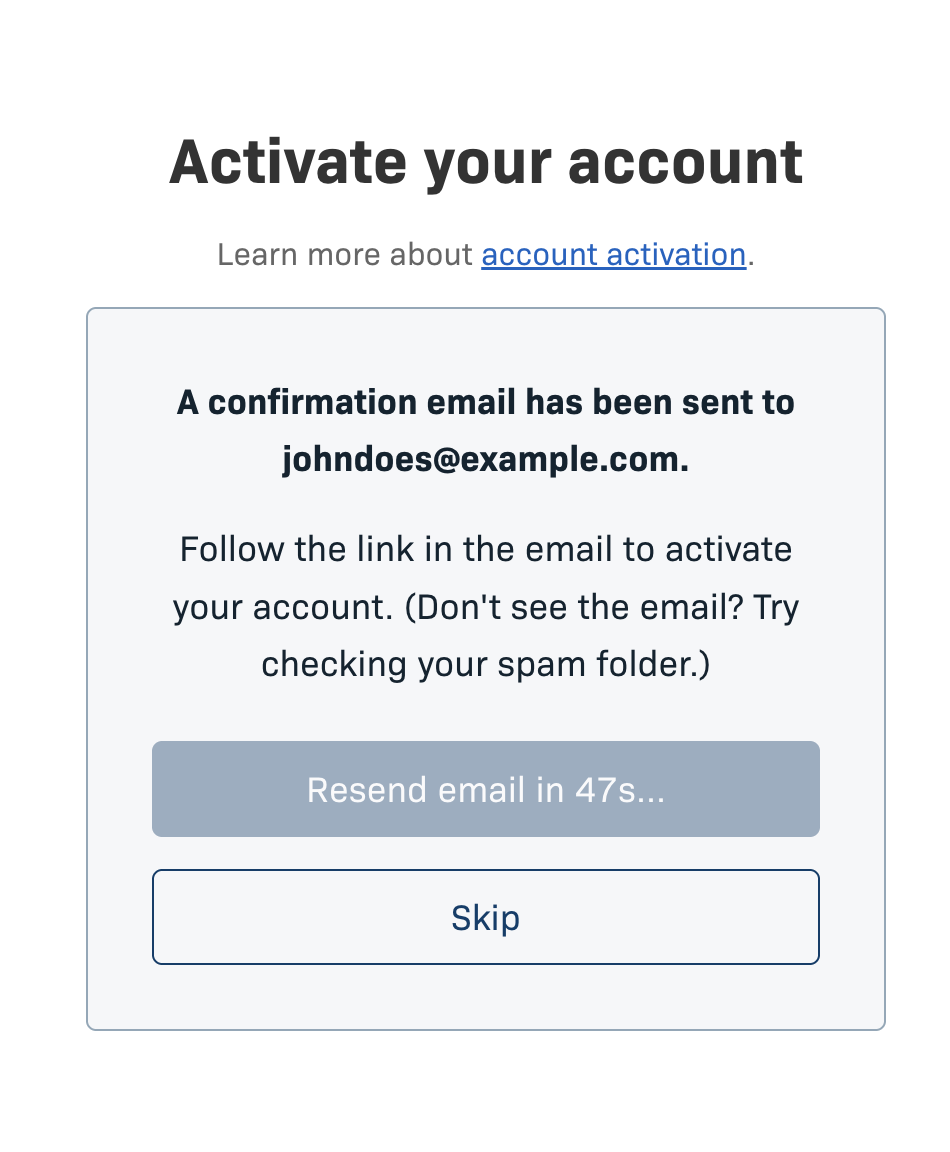
You will be taken to an Activate your account page. Check your inbox for an activation email and use the provided link to activate your account. If the email has not been sent automatically you can request that another copy be sent after 60 seconds. This step can also be skipped.
Select a role as a learner or educator. Those under 18 will be automatically assigned learner status, skipping this step. The main difference between the roles is the option for educators to create classes via their dashboard.

You will now be logged into your LabXchange account. See our Using LabXchange articles for more information about fundamental features of the site, as well as in-depth tutorials.