
Logging In
This article provides instructions for logging into LabXchange based on how you initially registered.
For edX instructions, click here.
Logging In With Email
Go to www.labxchange.org and click on Log in in the navigation bar.

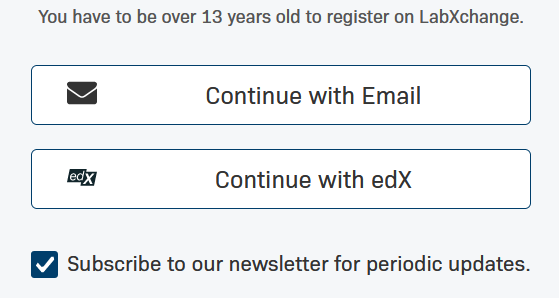
Click on Continue with Email.
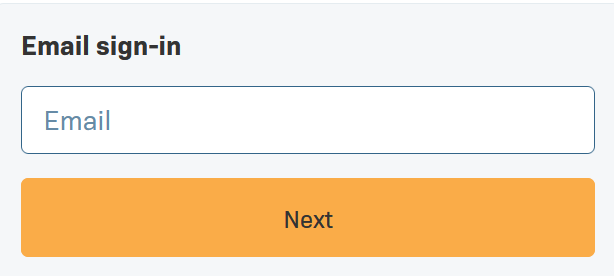
Enter the email address you used to register then click Next.
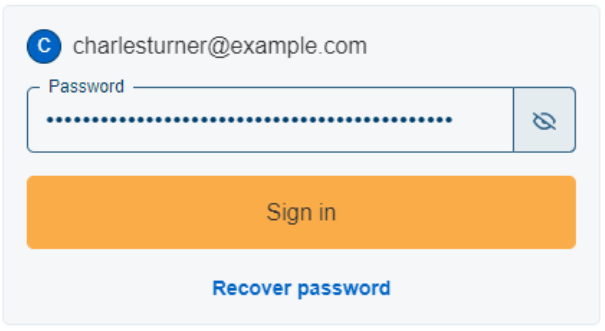
Enter your password and click Sign in. If you have forgotten your password you can use the Recover password option to set a new one via email.
You should now be logged into your LabXchange account.
Logging in with edX
Go to www.labxchange.org and click on Log in in the navigation bar.

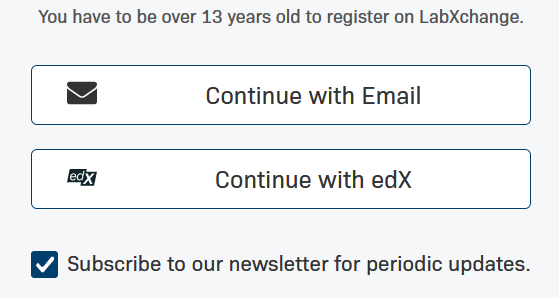
Click Continue with edX.
You will be redirected to edX where you must enter your email address and password that you used when you registered your account. Then click Sign in.
You should be brought back to the LabXchange main site and logged in automatically.
If you are not automatically redirected to LabXchange, please go to labxchange.org.